Members, families and import
Import spreadsheets or WordPress data and review contacts, dates, locations and histories.

Your church organized. Your mission strengthened.
Organize members, families, visitors, finances, events, attendance, locations, communication and pastoral care in one platform. Use it free with up to 50 people and change plans only when your community grows.
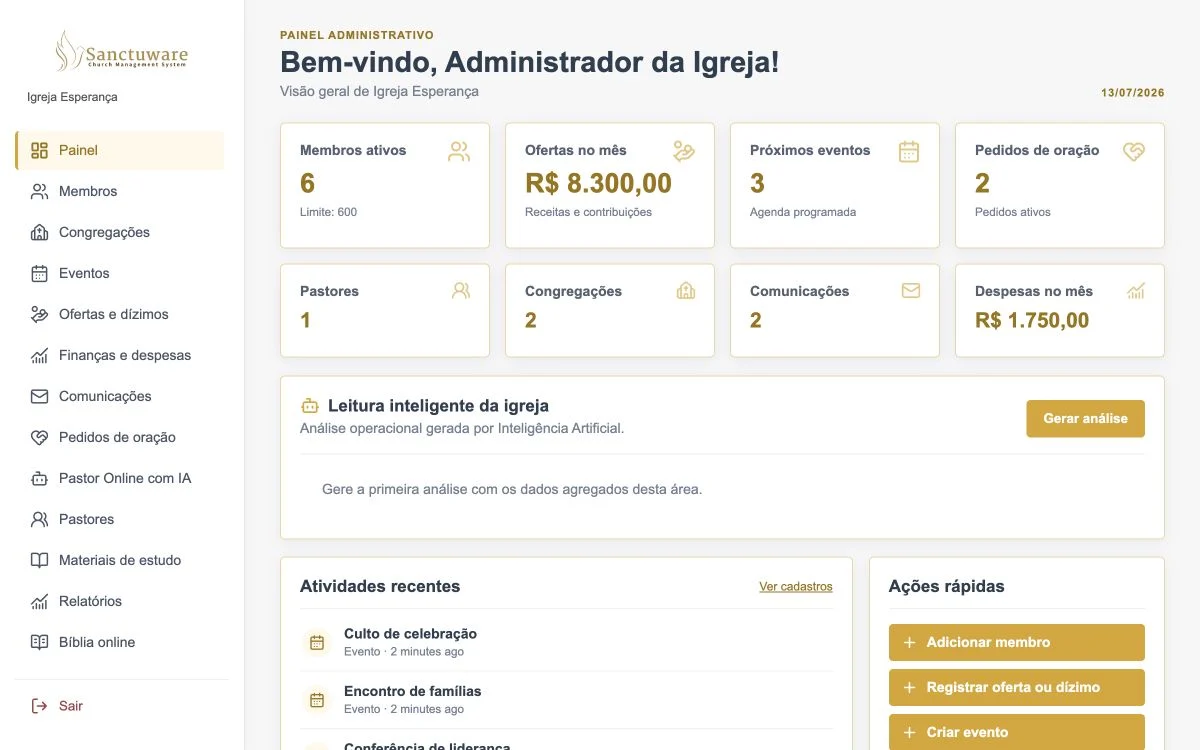 Dashboard view available on the Ministry plan
Real product
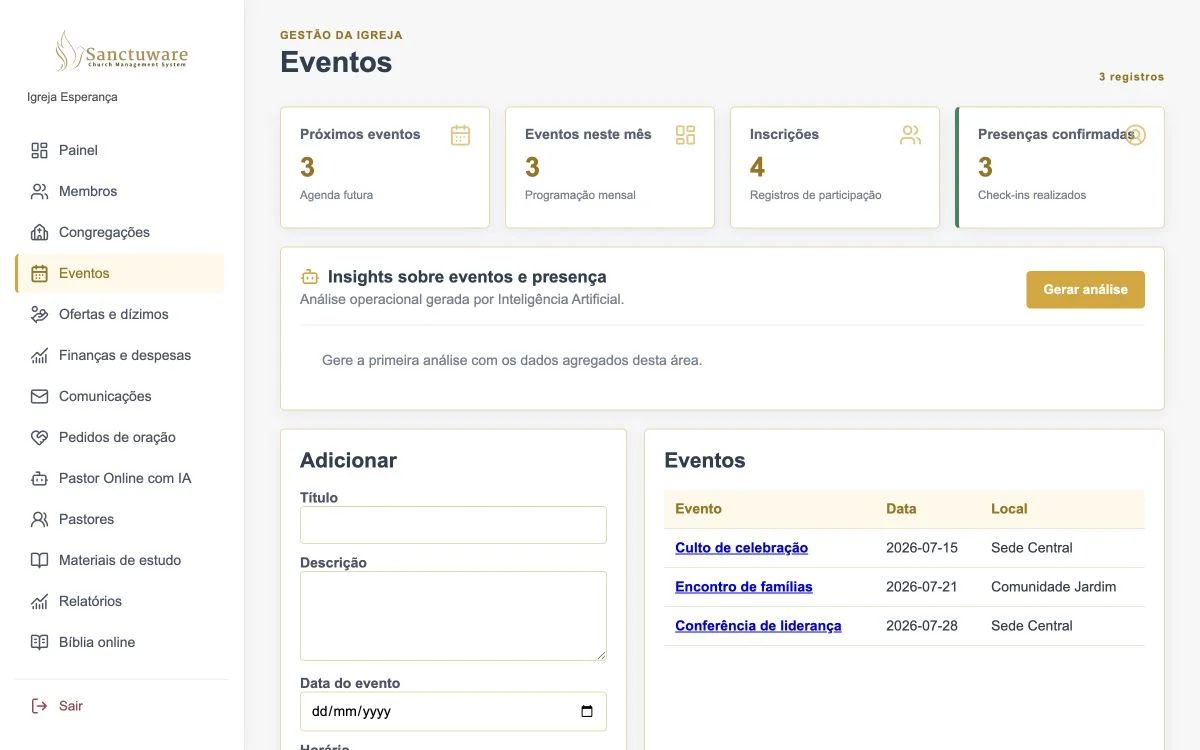
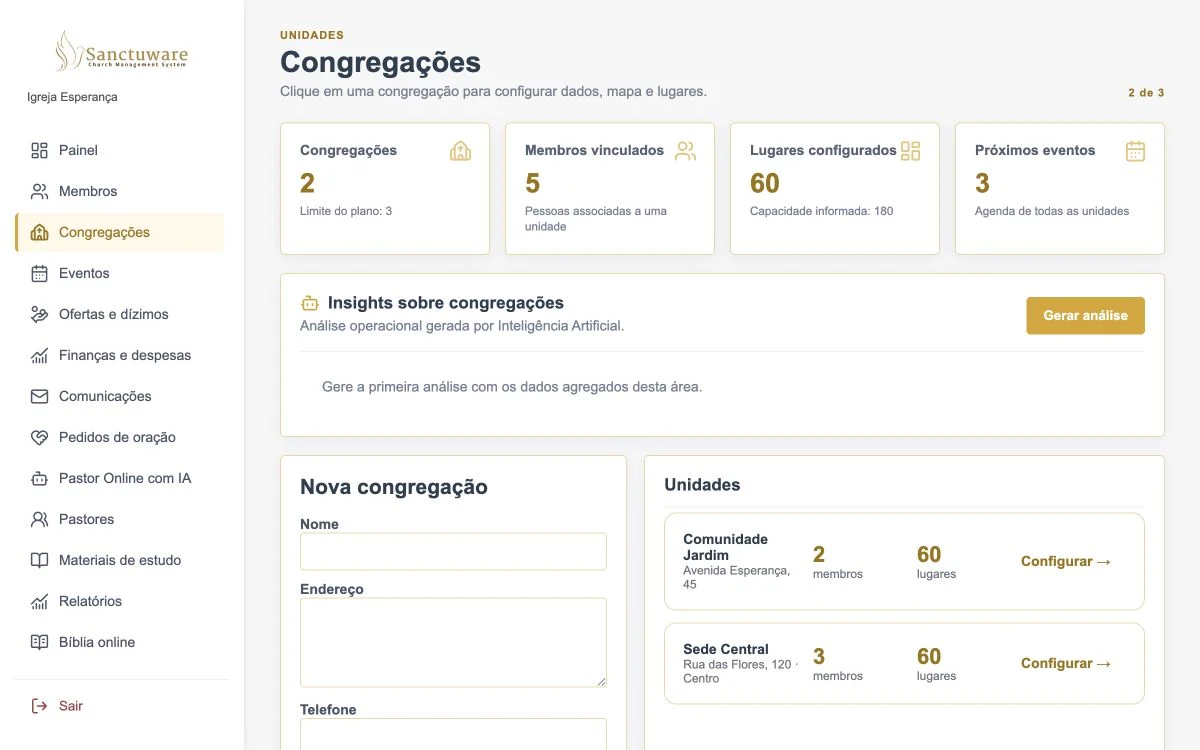
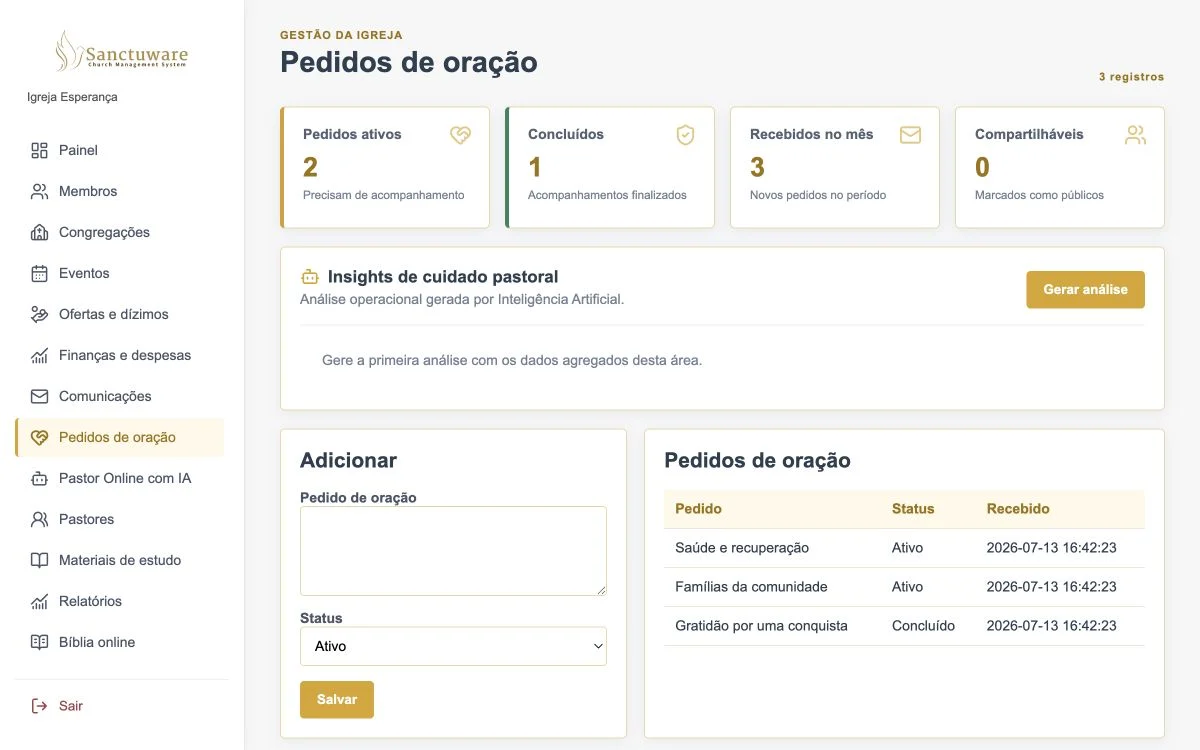
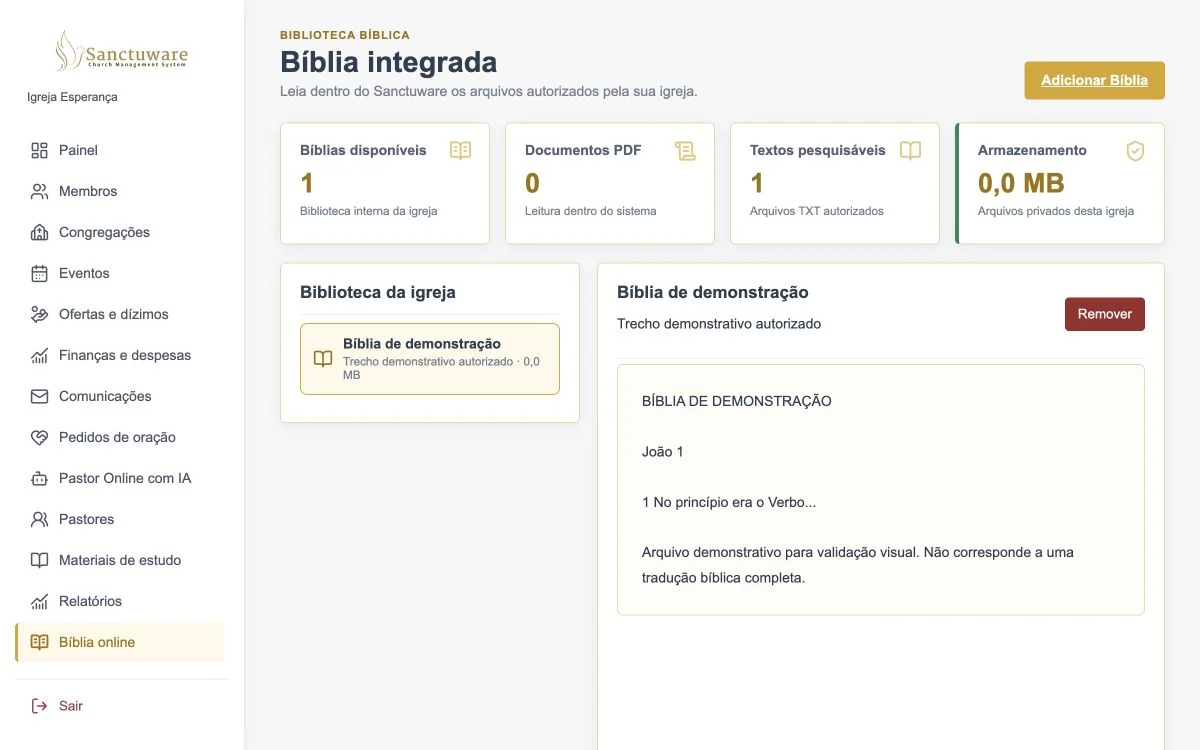
A look at the areas already working in Sanctuware to organize your church routine.
Records, import, contacts, status and access organized.
Create free account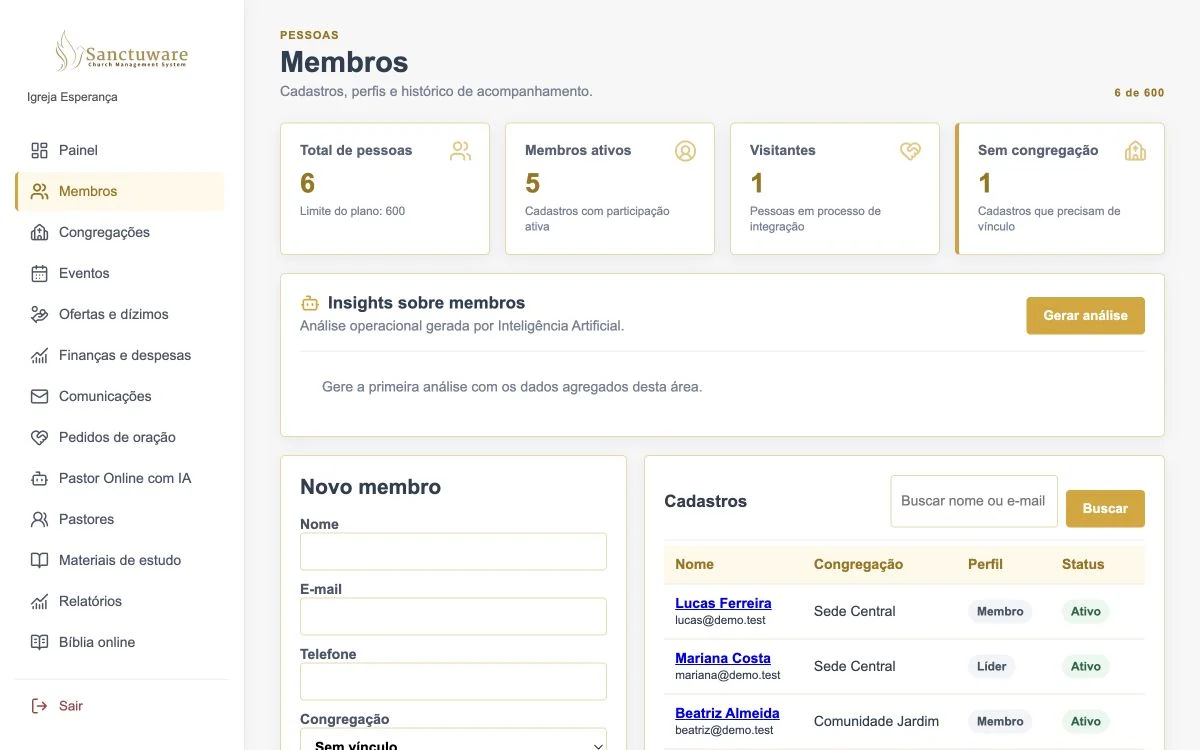
Less improvising
Scattered records, visitors without follow-up, slow financial reporting and pastoral information without access control consume your team's time.
Sanctuware brings administrative, financial, community and pastoral management together in one secure, accessible environment.
Key features
Import spreadsheets or WordPress data and review contacts, dates, locations and histories.
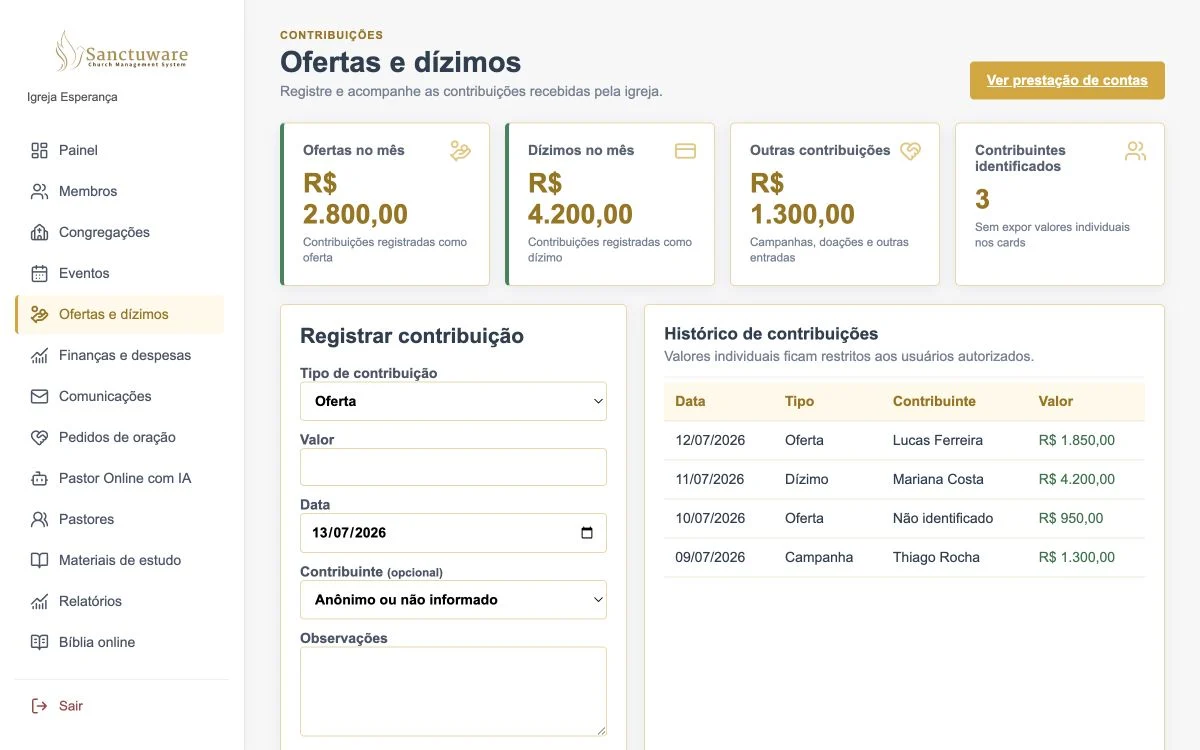
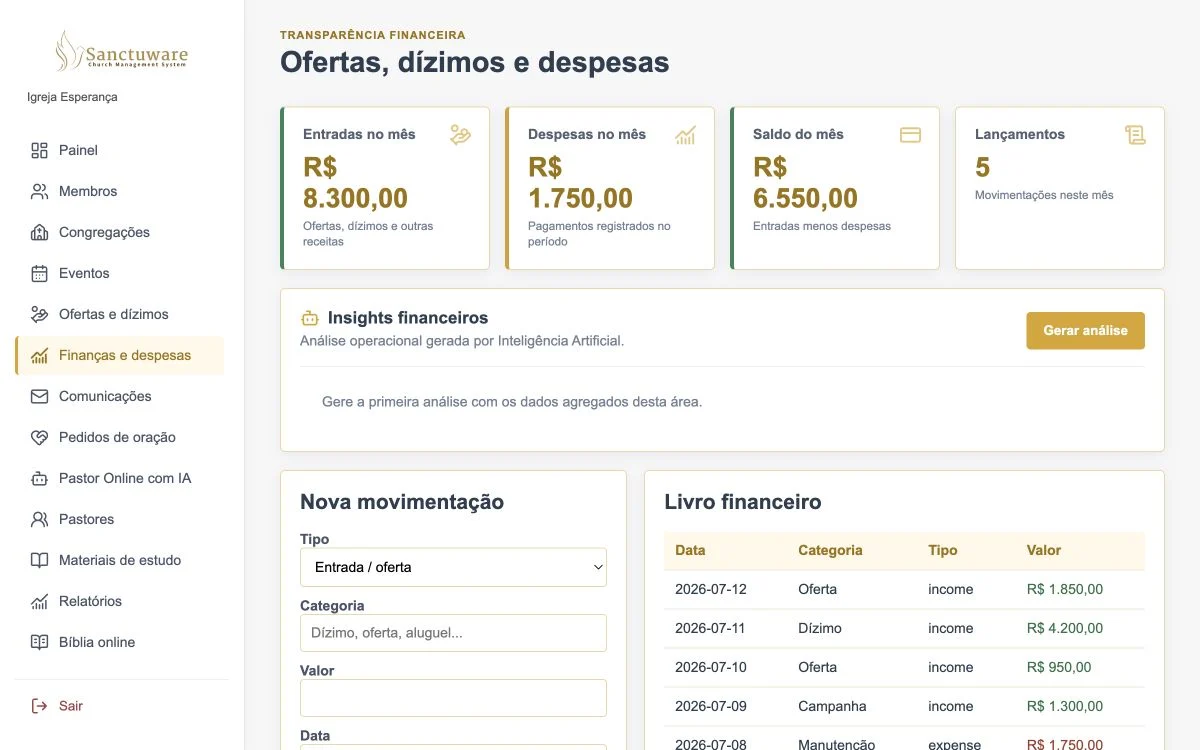
Record contributions, income and expenses and follow your financial flow.
Organize follow-up contacts and track integration into the community.
Create services, meetings and gatherings and track calendar, seats and attendance.
Manage your main campus, locations, capacity and seat maps in the same organization.
Organize contacts, conversations, campaigns, templates and announcements. Integration available on the Ministry plan only.
Organize prayer requests, human follow-up and referrals with restricted access.
Assign access, create integrations with controlled scopes and open tickets in the dashboard.
The individual table is calculated and displayed only inside Sanctuware. In behavioral reports, only aggregate counts are sent to the AI model. Names, contacts, notes, prayer texts, messages, conversations and individual histories are not sent to the model in these reports.
Available in the system
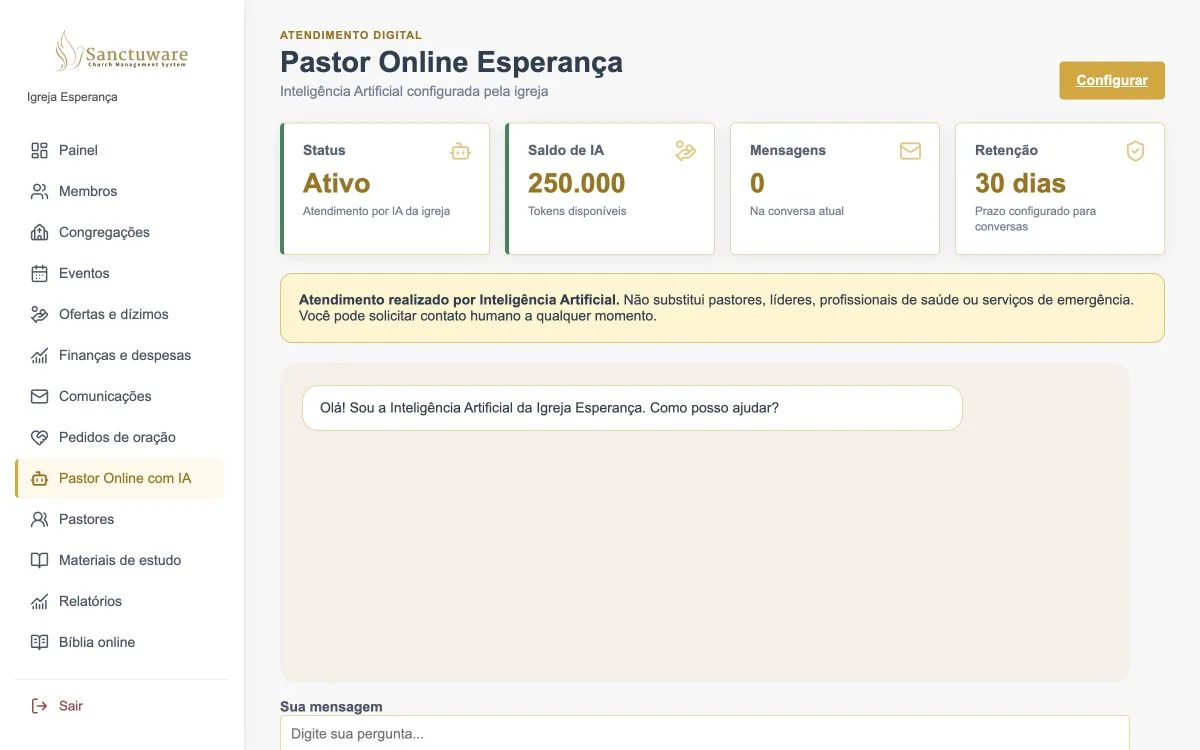
Each church configures its assistant according to its identity, language, content and pastoral guidelines. It can answer questions, receive requests and route situations that need human care.
For every role
Overview and responsible follow-up.
Records and administrative routine centralized.
Clear transactions and accountability.
Events and community information.
Visitor registration and follow-up.
Organize units in the same platform.
Start without complications
Migration without retyping
Upload XLS, XLSX, CSV, TSV or WordPress XML directly in the dashboard. Sanctuware recognizes the columns, shows a preview and lets you review how each piece of data will be imported.
Security and data protection
The system links records to the authenticated organization, protects routes by role and keeps card data in Stripe.
See our security practices →Solutions by need
Direct guides for the routines that consume the most time from pastors, church offices and finance teams.
Explore the central platform for members, finances, events, locations and pastoral care.
Centralize families, visitors, contacts and histories with permissions for each role.
Bring spreadsheets, CSVs and WordPress exports with preview and duplicate control.
Organize income, expenses, categories, balances and information for accountability.
Keep contributions organized, with centralized history and restricted access.
Follow up with everyone getting to know the community and organize next contacts.
Bring your main campus, units, capacity and links into one consolidated view.
Start with no monthly fee and no card to organize up to 50 active people.
Understand how to offer automated welcome with limits and human handoff.
First communities
We are selecting the first communities for a guided Sanctuware implementation. Get in touch to learn the terms.
I want to learn about the programSimple, transparent plans
Plans expand capacity, team, AI, API and support. The official WhatsApp integration is exclusive to the Ministry plan, the last self-serve plan.
Free for up to 50 users
For churches that want to get organized, with no monthly fee.
$0
up to 50 usersFree for up to 50 users. Monthly AI credits equivalent to 30k tokens · Owner account · No card · WhatsApp not included
Create free accountExpanded capacity
For local churches ready to leave spreadsheets behind.
$12
per monthAnnual: $120
Monthly AI credits: equivalent to 150,000 tokens · WhatsApp not included
Create account and review planExpanded capacity
For expanding communities and larger teams.
$29
per monthAnnual: $290
Monthly AI credits: equivalent to 500,000 tokens · WhatsApp not included
Create account and review planExpanded capacity
For churches with multiple locations and broad reach.
$59
per monthAnnual: $590
Monthly AI credits: equivalent to 1,500,000 tokens · WhatsApp included
Create account and review planCustom
For networks and denominations with custom needs.
Custom quote
Limits, WhatsApp and implementation defined together with your network.
Talk to salesFrequently asked questions
The Community plan is free for up to 50 users, with no monthly fee and no card.
Not to create the Community account. A paid subscription requires separate confirmation at checkout.
No. You can create a free Community account for up to 50 users and subscribe to a paid plan when you need to expand limits.
Active members and visitors. Archived profiles do not count. Dependents with their own profile count, and an administrator who also has a member profile is not counted twice.
Data remains safe, accessible and editable. Only creating or reactivating new active profiles is blocked. You can archive inactive profiles or increase capacity.
Choose a paid plan to expand capacity without changing systems or migrating data. After creating the account, you review plan, period and price before opening Stripe secure checkout.
The official WhatsApp integration is available on the Ministry plan only, the last self-serve plan. Network projects are defined individually.
Yes, when the organization is within the free limits. The plan screen shows exactly which adjustments are needed. Nothing is deleted automatically.
The same essential controls for organization isolation, permissions, privacy, account recovery and access to your own data still apply.
Yes. The owner can download a structured export of the organization data from the dashboard.
Each plan includes monthly artificial intelligence credits, also shown in tokens. Consumption varies with message and response size; the dashboard shows balance and renewal.
Yes. Import supports XLS, XLSX, CSV, TSV and WordPress XML, with preview and duplicate handling, respecting the plan's people limit.
The Community plan has no charge. Paid subscriptions can be managed in the billing portal according to the current terms.
Start for free and organize your church on a platform built for the reality of your community.